| |||||||||||||||||||
|
|||||||||||||||||||
|
| |||||||||||||||||||
| |||||||||||||||||||
| |||||||||||||||||||
|
|||||||||||||||||||
|
| |||||||||||||||||||
| |||||||||||||||||||
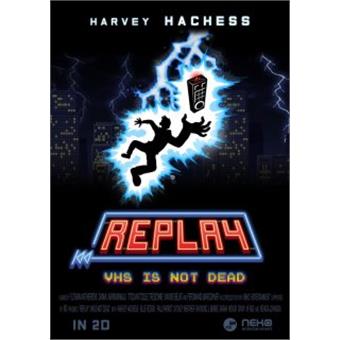
Elektronická licence určená pro platformu Steam Replay: VHS is not dead is a puzzle/ platform game, set in a movie-based universe. Record your characters’ movements Use the remote control powers to bend time Change character and play again to combine their actions Pixel art style and evolving gameplay About 70 levels in 4 different movie-based universes Records to break and a secondary objective for each level The story It is an ordinary Saturday evening for Harvey Hachess as he leaves his favoritevideo club for a movie night. On his wayback, he gets caught in the middle of arain and a threatening storm. Suddenly,he’s hit by a lightning strike! Knockedout for few minutes, he goes on as if nothing had happened. Once home, Harvey gets comfortable and plays a video tape, a bag of popcorn in one hand and the remote control in the other one. But something seems wrong as herealize that some scenes are missing from the movie! He puts in another tape, same result… He, then, checks all his cassettes one by one but stays out of luck. As the last tape was ejected, the VCR made a strange sound and the screen lightened up. Harvey founds himself sucked into the TV. He finds there a great opportunity to re-record all the tapes withoutrisking the loss of his Video Club membership. The team The game was created by a student team from the Institute of Internet and Multimedia, and took shape with Neko Entertainment’s support. Návod na aktivaci elektronického klíče pro Steam: | |||||||||||||||||||
|
| |||||||||||||||||||
| |||||||||||||||||||
| |||||||||||||||||||